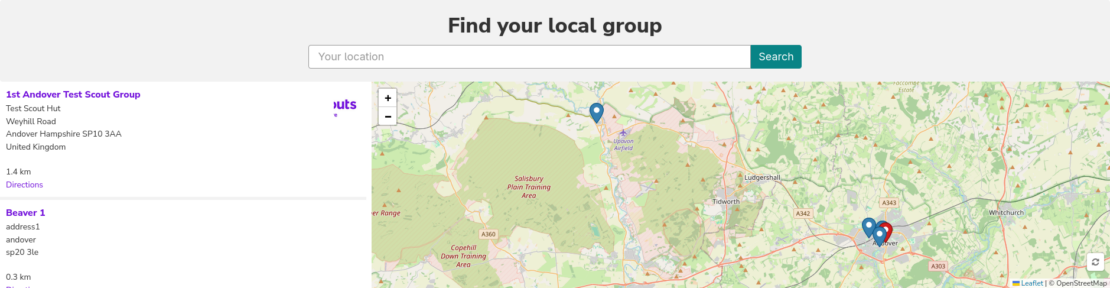
Bootscout has support to for WP Store locator. The guide below details how to setup the plugin to function with Bootscout. This assumed both Bootscout and WP Store locator has been installed and activated and you have followed the setup instructions for WP Store locator.
Setup guide
- From the WordPress dashboard navigate to Store Locator -> Appearance
- Enable Bootscout as the option for Store Locator template
Suggested settings and configuration tips
WP Store locator can be configured with many settings which changes the appearance of the search bar and map. below we have listed some suggested settings.
- In Store Locator -> Settings search filter options can be enabled and disabled.
- In Store Locator -> API the map can be changed. OpenStreetMap does not require any additional set-up.
Screenshots
Default WP Store locator template
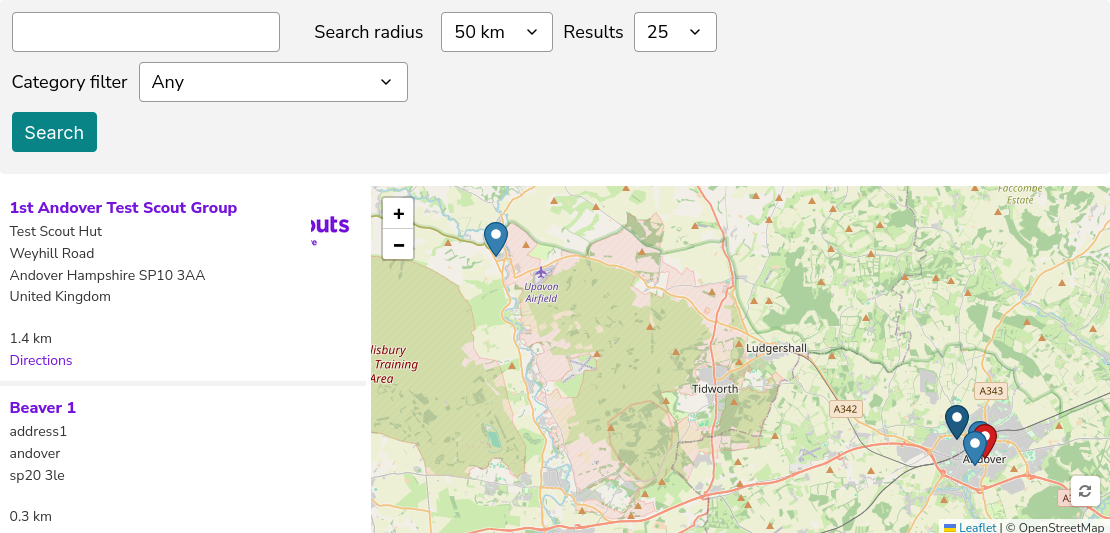
Bootscout template with all filter options
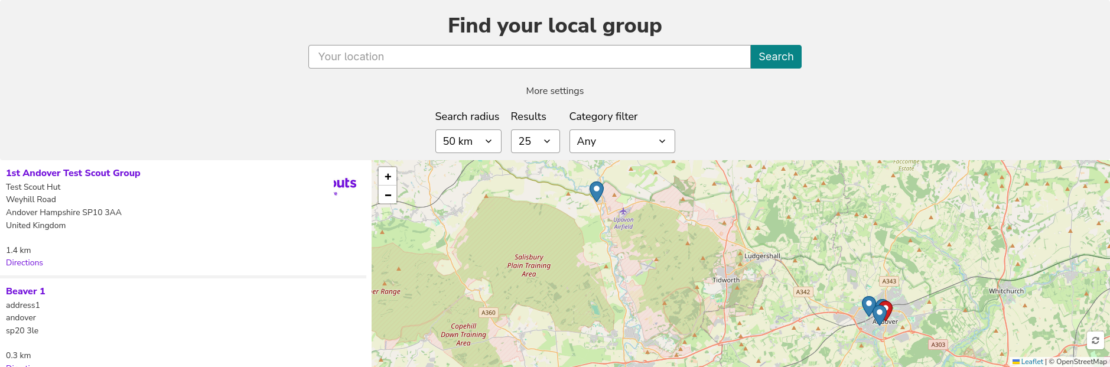
Bootscout template with filter options disabled