If you would like to design your website to closely align with the design of Scouts.org.uk then we have created a few pre made block patterns to get you started. These all use the name “scoutish” and will have a few small difference from the official Scouts website design. The block patterns are as follows:
- Scoutish header – Site navigation shared across all pages
- Scoutish home page – Home page layout
- Scoutish content page – Page layout shared across all content pages
Scoutish header can be set by following the Changing the navigation bar design following the navigation bar guide.
For both scoutish home page and scoutish content page please use the following guide when creating a new page:
- In page settings (on the right of the page editor) swap the page template to use the no title page template.
- In the page editor click on Block inserter -> patterns -> page layouts.
- Select either scoutish home page or scoutish content page and modify the blocks to fit your needs.
Examples
Scoutish navigation bar
Scoutish home page
To display the three images at the top of the page as shown here the image aspect ratio needs to be set to “Tall – 9:16”. Change this setting by selecting each image and changing the setting in the panel on the right.
Preparing young people with skills for life
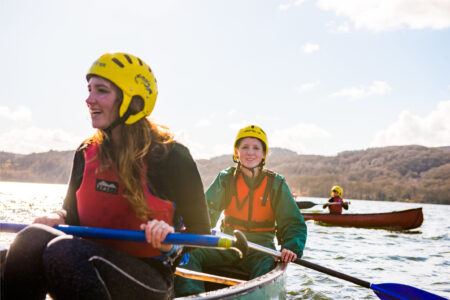
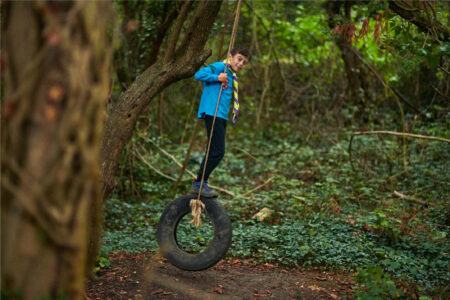
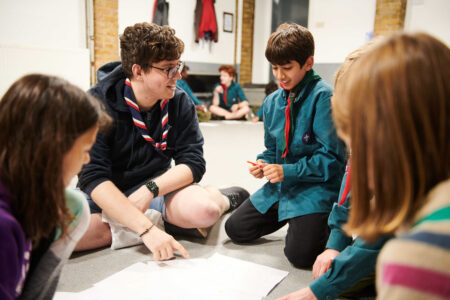
Explore our age groups

4-6 years

6-8 years

8-10½ years

10½-14 years

14-18 years

18-25 years
Running Scouts
Activities
Our activity finder is bursting with programme ideas, and can be searched by section, time, cost, setting, type or learning outcomes.
Badges
Master something you love, or try something shiny and new. These badges allow a young person to gain whichever badge is appropriate to the level they have reached.
Nights away
Whether camping, hostelling, or sleepovers, nights away form an integral part of Scouts, which every young person should have an opportunity to take part in.
POR
Scouts’ Policy Organisation and Rules (POR) provides support and guidance to help us all run Scouts.
Training
Learn more about the training for your role and how you can prepare young people with skills for life.
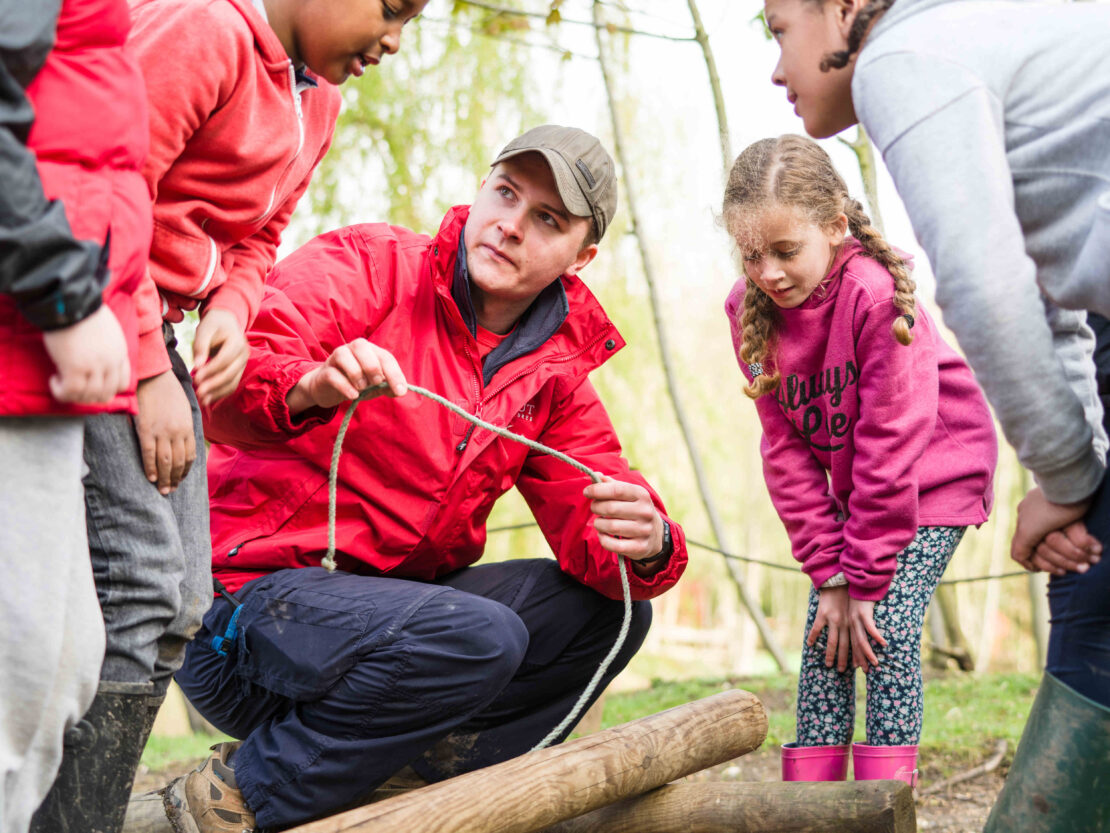
Volunteer with Scouts
Giving back will improve your wellbeing, equip you with skills for the future, and help you make a positive impact on the lives of young people.
What’s happening
All the latest news for you and your Scouts
-
Update 3.0.2
This is a patch update to add support for new blocks in WordPress 7.0 and address some bugs. A full changelog is as follows: What’s Changed Full Changelog: 3.0.1…3.0.2
-
Update 3.0.1
This is a patch update to fix a few small issues with the theme. A full changelog is as follows: What’s Changed New Contributors Full Changelog: 3.0…3.0.1
-
Update 3.0
What’s Changed This is a major update which removed Bootstrap and Gulp. All theme styling has been re-created to improve compatibility out of the box with more plugins and WordPress customisation option. A full list of changes is as follows: Patterns WooCommerce Layout & styling Under the hood How to update from 2.7.x Install the…
Safeguarding and safety at Scouts
If there is an immediate risk of harm call 999 or 112. Tell us you have done this.
Reporting safety incidents, illness and emergencies
- Report it using our online reporting form
- Email safety@scouts.org.uk
- Follow the Purple Card
Reporting safeguarding concerns
- Report it using our online safeguarding reporting form
- Call +44 (0)20 8433 7164 (9am – 5pm weekdays)
- Email safeguarding@scouts.org.uk
- Follow the Yellow Card
Out of hours
Call 0345 300 1818 (local rate) or +44 (0)20 8433 7100 to speak to the on duty Critical Incident Manager, Safeguarding Officer or Media Officer.

Scoutish content page
This WordPress block pattern is designed as a starter for content pages on your site. You can add, remove and modify blocks to match your page content. The ones provided by default are there to cover the various types found on The Scout website.
Headings should be bold and with a heading 2 (H2) level applied
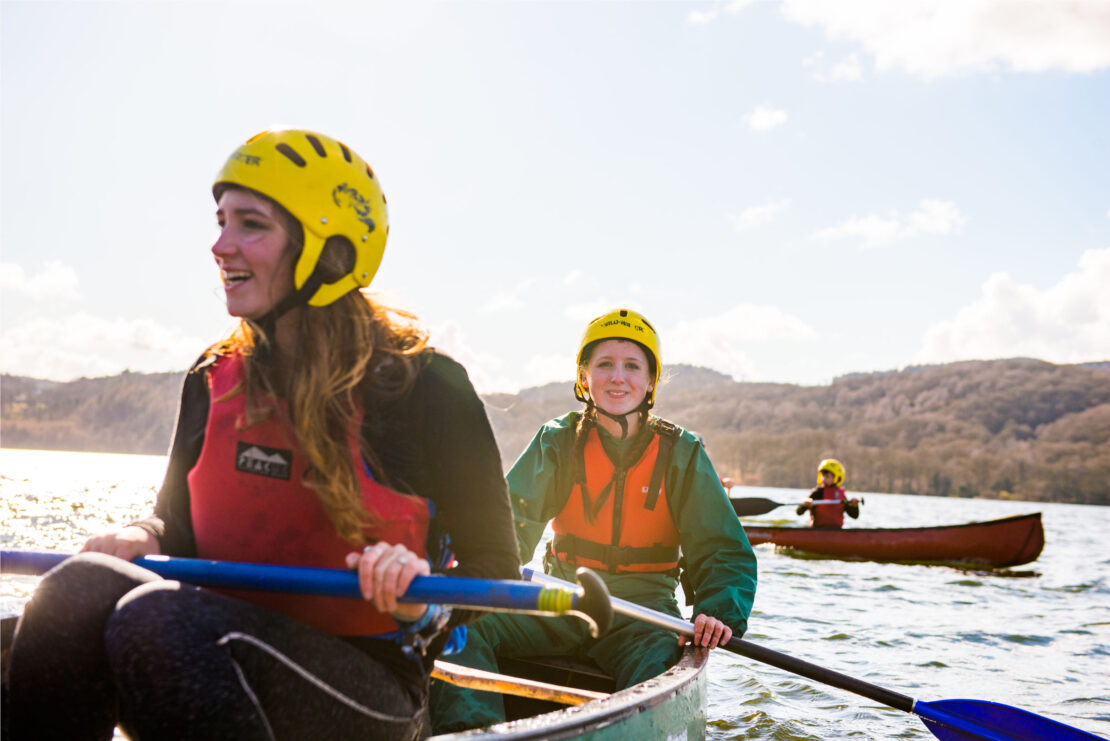
Main content section with coloured / grey background
Add some text, set and image, add a link to another page etc.
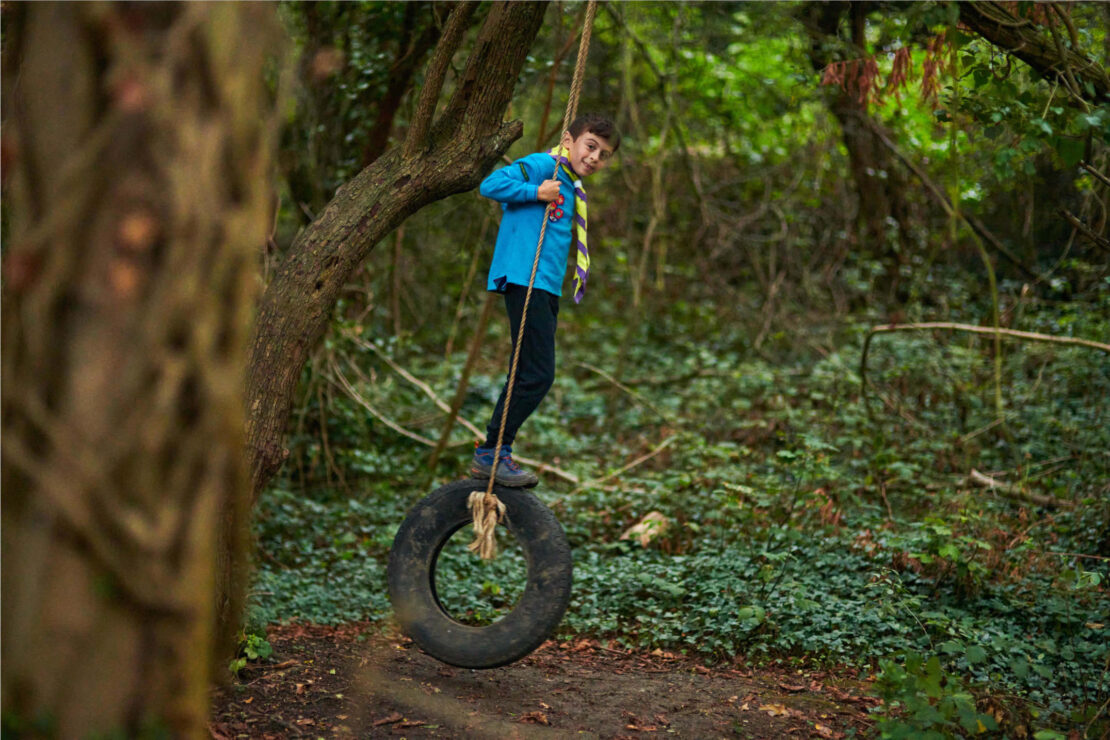
Coloured background sidebar area
Add some text and set an image
Grey background sidebar area
Add some text. A button can also be used to link to another page.